
In today’s digital age, data plays a crucial role in the success of small businesses. To protect valuable information and ensure the continuity of operations, small businesses need a reliable backup solution. In this article, we will explore different backup options available for small businesses and discuss how to choose the right one.
Key Takeaways:
- Small businesses need a reliable backup solution to protect their valuable data and ensure business continuity.
- Understanding the specific backup needs of small businesses is crucial before selecting a backup solution.
- On-site backup solutions offer affordability and reliability for small businesses to back up and restore their data easily.
- Cloud-based backup solutions provide convenience, scalability, and off-site storage for small businesses.
- Hybrid backup solutions combine the advantages of both on-site and cloud backups, offering enhanced data redundancy and security.
Understanding the Backup Needs of Small Businesses
Before selecting a backup solution, it is important for small businesses to assess their unique backup requirements. This involves evaluating the data that needs to be backed up, determining the frequency of backups, and identifying cost-effective backup hardware solutions that align with their business needs.
Evaluating Data: Small businesses should carefully analyze the types of data they need to backup. This may include customer information, financial records, intellectual property, and other critical business data. By understanding the specific data that needs protection, businesses can prioritize their backup efforts and allocate resources accordingly.
Frequency of Backups: The frequency of backups depends on the nature of the business and the rate at which data is generated or modified. Some businesses may require real-time or near-real-time backups for minimal data loss, while others may find daily or weekly backups sufficient. Determining the optimal backup frequency ensures that important data is consistently protected.
Cost-Effective Backup Hardware: Small businesses often operate on limited budgets, making cost-effectiveness a crucial factor when selecting backup hardware. It is important to weigh the upfront cost of hardware against its long-term value and reliability. Considering factors such as data storage capacity, scalability, and ease of use helps businesses choose backup hardware that delivers optimal value without sacrificing data protection.
Understanding these backup needs allows small businesses to make informed decisions when choosing backup solutions that provide the necessary level of protection at an affordable cost. Whether opting for on-site solutions, cloud-based backups, or a hybrid approach, aligning backup strategies with specific needs ensures data security and business continuity.

Having a clear understanding of their backup requirements, small businesses can now explore different backup options available. In the next section, we will discuss on-site backup solutions and the benefits they offer to small businesses.
On-Site Backup Solutions
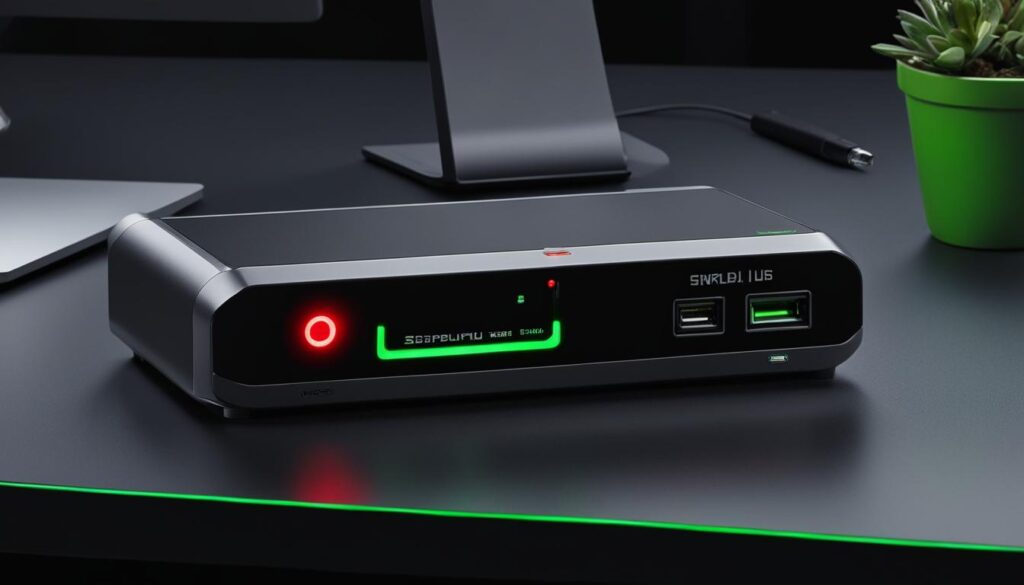
When it comes to securing valuable data, small businesses need a reliable and cost-effective solution. On-site backup solutions offer the perfect balance between affordability and reliability. By storing data backups on local devices within their premises, small businesses can easily back up and restore their critical information.
There are various on-site backup options available for small businesses:
- External Hard Drives: External hard drives provide a simple and affordable way to back up data. With high storage capacity and fast transfer speeds, they allow small businesses to quickly and easily create backups.
- Network-Attached Storage (NAS) Devices: NAS devices offer centralized data storage and backup capabilities. They can be easily integrated into existing networks and provide reliable data protection.
- Tape Drives: Although not as common as external hard drives or NAS devices, tape drives offer a reliable backup solution for small businesses. They provide high-capacity storage for long-term data retention.
With these on-site backup solutions, small businesses have full control over their data backups and can access them quickly whenever needed. This level of accessibility and reliability ensures that critical information remains safe and readily available.
However, it’s important to note that on-site backup solutions have their limitations. They are susceptible to physical damage, theft, or natural disasters that may occur within the premises. To mitigate these risks, it is recommended to complement on-site backups with off-site or cloud-based backup solutions.
On-site backup solutions provide small businesses with affordability and reliability, allowing them to back up and restore their data easily.
Comparison of On-Site Backup Solutions
| Backup Solution | Affordability | Reliability | Storage Capacity | Accessibility |
|---|---|---|---|---|
| External Hard Drives | 🌟🌟🌟🌟 | 🌟🌟🌟🌟 | High | Local access |
| Network-Attached Storage (NAS) Devices | 🌟🌟🌟 | 🌟🌟🌟🌟 | Scalable | Local and remote access |
| Tape Drives | 🌟🌟🌟 | 🌟🌟🌟 | High | Local access |
Table: Comparison of on-site backup solutions based on affordability, reliability, storage capacity, and accessibility.

In conclusion, on-site backup solutions provide small businesses with affordable and reliable options to secure their valuable data. By understanding the different on-site backup solutions available, small businesses can choose the option that best fits their specific requirements.
Cloud-based Backup Solutions

Cloud-based backup solutions have revolutionized the way small businesses protect and secure their data. With the convenience, scalability, and reliability they offer, these solutions have become increasingly popular among small businesses. By storing data backups on remote servers hosted by third-party providers, small businesses can benefit from automatic backups, off-site storage, and easy accessibility from anywhere with an internet connection.
These cloud-based backup solutions not only provide peace of mind but also offer several advantages that make them the ideal choice for small businesses. Let’s take a closer look at some key benefits:
- Automatic Backups: Cloud-based solutions ensure that your data is backed up automatically without any manual intervention. This eliminates the risk of forgetting or delaying backups, ensuring that your important data is always protected.
- Off-site Storage: Storing backups in the cloud provides an additional layer of security by keeping your data off-site. In the event of a physical disaster such as fire or theft, your data remains safe and can be easily recovered.
- Easy Accessibility: Cloud-based backup solutions allow you to access your data from anywhere with an internet connection. Whether you’re working remotely, traveling, or simply need to retrieve important files, you can easily access your backups using a user-friendly interface.
- Affordable Pricing Plans: Many popular cloud backup providers offer affordable pricing plans tailored to the needs of small businesses. This allows you to choose a plan that fits your budget while ensuring the security and accessibility of your data.
- Robust Security Measures: Cloud backup providers prioritize the security of your data. They implement robust encryption protocols and multiple layers of security to protect your backups from unauthorized access, ensuring the privacy and confidentiality of your information.
Some well-known providers in the market include Dropbox, Google Drive, and Microsoft OneDrive. These platforms offer user-friendly interfaces, competitive pricing plans, and a wide range of features that cater to the backup needs of small businesses.
Whether you are a small business owner or an IT professional responsible for managing backups, considering cloud-based backup solutions can provide you with a reliable and efficient way to protect your valuable data.
The Benefits of Cloud-based Backup Solutions
To further highlight the advantages of cloud-based backup solutions, let’s take a look at a comparison table:
| Features | On-site Backup | Cloud-based Backup |
|---|---|---|
| Automatic Backups | No | Yes |
| Off-site Storage | Yes | Yes |
| Accessibility | Dependent on physical location | Anytime, anywhere with an internet connection |
| Scalability | Limited by physical storage capacity | Flexible and scalable |
| Security | Dependent on physical security measures | Robust encryption and multiple layers of security |

This table clearly demonstrates the unique benefits that cloud-based backup solutions offer over traditional on-site backups. From automatic backups and off-site storage to easy accessibility, scalability, and enhanced security measures, cloud-based solutions provide small businesses with a comprehensive backup strategy.
Hybrid Backup Solutions
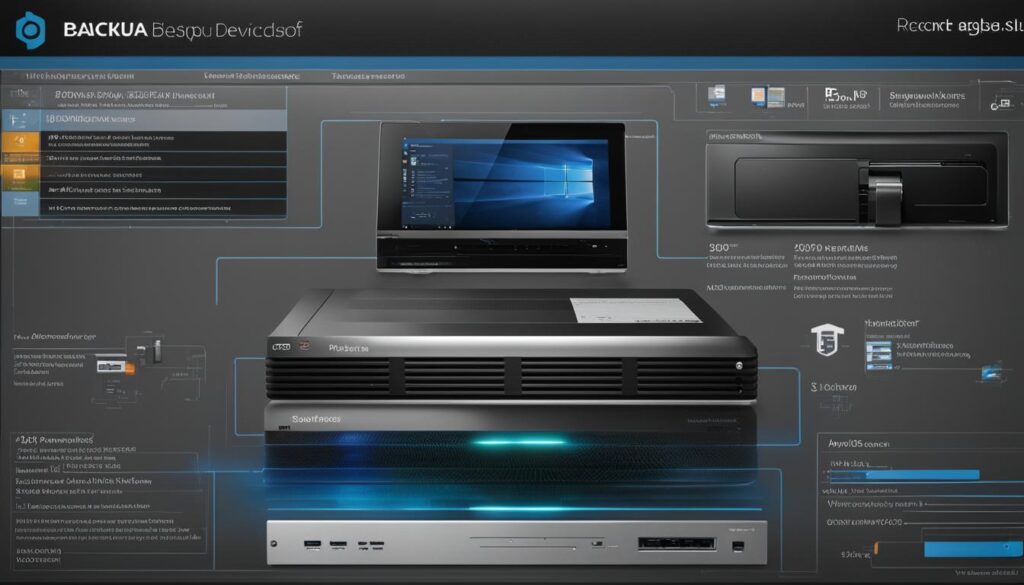
When it comes to protecting your small business’s data, hybrid backup solutions offer the best of both worlds. By combining on-site and cloud backups, you can ensure enhanced data redundancy and security.
On-site backups provide quick recovery options and the peace of mind of having your data within reach. You can store backups on external hard drives, network-attached storage (NAS) devices, or even tape drives. These affordable and reliable options allow for easy backup and restoration of critical data.
Cloud backups offer scalability and off-site storage capabilities, giving you the flexibility to access your data from anywhere with an internet connection. Providers such as Dropbox, Google Drive, and Microsoft OneDrive offer user-friendly interfaces, affordable pricing plans, and robust security measures.
By opting for a hybrid backup strategy, you can leverage the advantages of both on-site and cloud backups to protect your small business’s valuable data.
Data Redundancy and Security
One of the main benefits of hybrid backup solutions is the ability to achieve data redundancy. By maintaining backups both on-site and in the cloud, you significantly reduce the risk of complete data loss. In the event of a hardware failure or disaster, you can quickly recover your data from the on-site backups or retrieve it from the cloud.

Additionally, hybrid backup solutions enhance data security. Cloud backups offer robust encryption and advanced security measures, ensuring that your sensitive information remains protected. By encrypting your data during transmission and storage, you can prevent unauthorized access and potential breaches.
Choosing the Right Hybrid Backup Strategy
When selecting a hybrid backup strategy for your small business, consider factors such as data criticality, bandwidth, cost-effectiveness, and scalability. Assess the importance of different types of data and determine the frequency of backups required.
Here’s a comparison of the best backup hardware for small businesses and their key features:
| Backup Hardware | Key Features |
|---|---|
| External Hard Drives | Portable, affordable, and reliable |
| Network-Attached Storage (NAS) Devices | Scalable, accessible from multiple devices, and offer RAID configurations for added data protection |
| Tape Drives | High-capacity storage, cost-effective for long-term archiving |
Combine these hardware options with a reputable cloud backup provider that aligns with your business needs. Evaluate factors such as storage capacity, pricing plans, ease of use, and security features. With the right combination of on-site and cloud backups, you can create a robust and reliable hybrid backup strategy.
Implementing a hybrid backup strategy requires careful planning and configuration. Identify critical data, select the appropriate on-site backup devices, choose a reliable cloud backup provider, and establish backup schedules that suit your business’s needs. Regularly test and verify backups to ensure data integrity and practice disaster recovery scenarios.
By following best practices for hybrid backup and utilizing the top backup hardware for small businesses, you can protect your valuable data and ensure business continuity even in the face of unexpected events.
Ensuring Data Redundancy and Security

In today’s digital landscape, data redundancy and security are paramount for small businesses. By implementing a hybrid backup strategy that combines both local and cloud backups, businesses can safeguard their valuable data and minimize the risk of complete data loss.
One of the primary advantages of hybrid backup is achieving data redundancy. By storing backups both locally and in the cloud, small businesses create multiple copies of their data, ensuring that even if one backup fails or becomes inaccessible, there are alternative copies available. This redundancy significantly reduces the risk of data loss and provides a safety net for small businesses.
“Hybrid backup allows small businesses to have peace of mind knowing that their data is stored in multiple locations, minimizing the impact of potential hardware failures or disasters,”
Moreover, hybrid backup solutions enhance data security. Cloud backups offer robust encryption protocols and advanced security measures, protecting valuable data from unauthorized access and potential cyber threats. By leveraging the security features of cloud backup providers, small businesses can ensure the confidentiality and integrity of their data.
When choosing the right hybrid backup strategy, small businesses must consider several factors. Data criticality should dictate the frequency of backups and the level of redundancy required. Bandwidth availability should be assessed to optimize the transfer of data between local devices and the cloud. Cost-effectiveness should be considered to ensure that the chosen backup hardware and cloud storage options fit within the business’s budget. Scalability should also be evaluated to accommodate future data growth and changing backup needs.
Incorporating a hybrid backup strategy that combines both local and cloud backups is an effective way for small businesses to ensure data redundancy and security. By following best practices such as regularly updating backup systems, encrypting sensitive data, and creating a disaster recovery plan, small businesses can confidently protect their valuable data and mitigate potential risks.
Note: The image above illustrates the concept of a hybrid backup strategy, combining both local and cloud backups to ensure data redundancy and security.
Implementing a Hybrid Backup Strategy
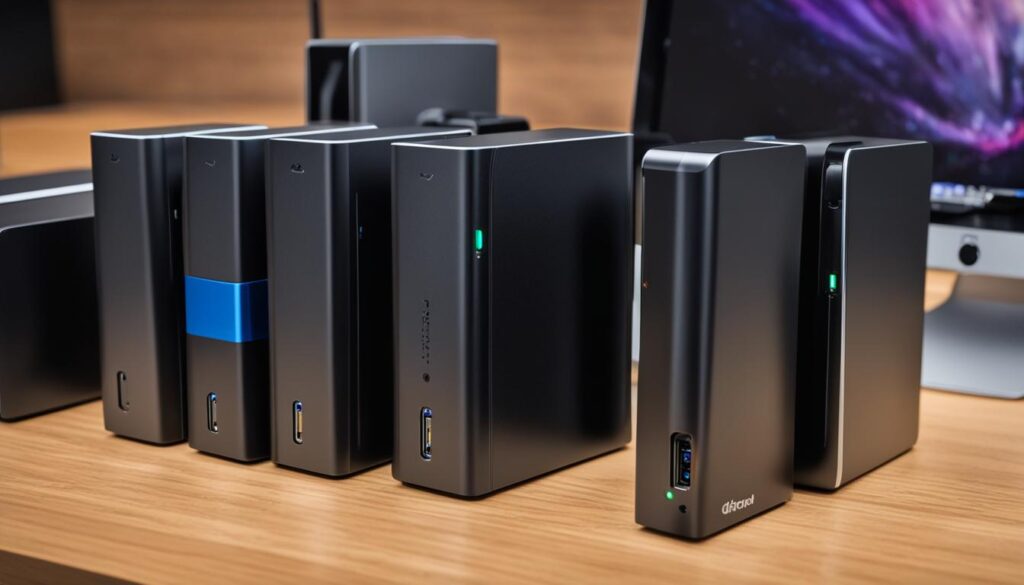

Implementing a hybrid backup strategy for your small business involves several essential steps. By following these steps, you can ensure that your data is adequately protected and backed up both on-site and in the cloud.
Step 1: Identify Critical Data
The first step in implementing a hybrid backup strategy is to identify the critical data that needs to be backed up. This includes important documents, customer information, financial records, and any other data that is crucial for your business operations.
Step 2: Select On-Site Backup Devices
To back up your data on-site, you will need reliable backup hardware. Consider using external hard drives or network-attached storage (NAS) devices. These devices provide a cost-effective and convenient way to store your backups locally, ensuring quick access to your data when needed.
Emphasize the importance of selecting backup hardware that is compatible with your existing infrastructure and offers sufficient storage capacity to accommodate your backup needs.
Step 3: Choose a Reliable Cloud Backup Provider
In addition to on-site backups, choosing a reliable cloud backup provider is crucial for a hybrid backup strategy. Look for providers that offer secure and scalable solutions, such as Amazon S3, Microsoft Azure, or Google Cloud Storage. These cloud platforms provide robust data protection measures and allow you to store and access your backups remotely.
Discuss the importance of evaluating the reputation, security features, and pricing options of different cloud backup providers in order to make an informed decision.
Step 4: Configure Backup Schedules
Once you have your on-site backup devices and selected a cloud backup provider, it’s important to configure backup schedules. Set up regular and automated backups to ensure that your data is consistently backed up without manual intervention. This minimizes the risk of data loss and ensures business continuity.
Step 5: Regularly Test and Verify Backups
To ensure the integrity of your backups, it’s essential to regularly test and verify them. Perform restoration tests to validate that your backups are working correctly and that you can recover your data when needed. This proactive approach helps identify any potential issues or errors before they impact your business.
Step 6: Follow Best Practices for Hybrid Backup
Following best practices for hybrid backup maximizes the effectiveness of your backup strategy. Regularly updating your backup systems, encrypting sensitive data, and creating a comprehensive disaster recovery plan are essential steps to enhance data security and minimize downtime in the event of a disaster.
In summary, implementing a hybrid backup strategy requires identifying critical data, selecting on-site backup devices, choosing a reliable cloud backup provider, configuring backup schedules, and regularly testing and verifying backups. By following these steps and adhering to best practices, your small business can safeguard its data, ensure continuity, and have peace of mind knowing that your valuable information is protected both on-site and in the cloud.
Best Practices for Hybrid Backup

To ensure the effectiveness of a hybrid backup strategy, small businesses should follow these best practices:
- Regularly update backup systems: It is essential to keep backup hardware and software up to date to ensure optimal performance and compatibility.
- Encrypt sensitive data: Small businesses should prioritize data security by implementing encryption methods to protect sensitive information from unauthorized access.
- Create a comprehensive disaster recovery plan: Developing a well-defined plan that outlines the steps to be taken during a data loss event can help small businesses quickly recover and minimize downtime.
By adhering to these best practices, small businesses can safeguard their data from loss, theft, or damage, and ensure a quick and efficient recovery in the event of a disaster.
Consider Backup.Country for Affordable Online Cloud Backup Solutions
When looking for cost-effective backup solutions, small businesses can consider Backup.Country. They offer online cloud backup services at affordable prices, ensuring secure and reliable data storage. With Backup.Country, small businesses can enjoy the benefits of off-site storage, automatic backups, and easy accessibility from anywhere with an internet connection. Their user-friendly interface and robust security measures make them a suitable choice for small businesses in need of reliable backup solutions.
| Benefits of Backup.Country for Small Businesses | Features |
|---|---|
| 1. Affordability | – Cost-effective pricing plans tailored for small businesses. |
| 2. Security | – Robust encryption and advanced security measures to protect data. |
| 3. Ease of Use | – User-friendly interface for effortless backup management. |
| 4. Scalability | – Flexible storage options to accommodate growing data needs. |
| 5. Accessibility | – Access data backups from anywhere with an internet connection. |
Choosing Backup.Country as a backup provider can help small businesses implement a cost-effective and reliable hybrid backup strategy, ensuring the safety and accessibility of their valuable data.
Conclusion
Implementing a reliable backup solution is essential for small businesses to protect their valuable data and ensure business continuity. At [Your Company], we understand the importance of data backup for small businesses, and we offer a range of solutions to meet their specific needs.
By understanding their backup needs, small businesses can make informed decisions about the best backup hardware for their operations. Whether it’s on-site solutions like external hard drives or network-attached storage (NAS) devices, or cloud-based options provided by trusted providers such as Dropbox and Google Drive, there are plenty of choices available.
We also recommend considering hybrid backup solutions, which combine the advantages of both on-site and cloud backups. This approach provides enhanced data redundancy and security, ensuring that small businesses can quickly recover their data in case of any unforeseen events.
By following best practices, such as regularly updating backup systems, encrypting sensitive data, and creating a comprehensive disaster recovery plan, small businesses can maximize the effectiveness of their backup strategies. With affordable and reliable backup hardware and the utilization of online cloud backup solutions like [Your Backup Provider], small businesses can rest assured knowing that their data is secure and easily accessible when needed.
FAQ
What backup options are available for small businesses?
Small businesses have the option to choose from on-site, cloud-based, and hybrid backup solutions.
What is the difference between on-site and cloud-based backup solutions?
On-site backup solutions involve storing data backups on local devices within the business premises, while cloud-based backup solutions store data backups on remote servers hosted by third-party providers.
What are the advantages of hybrid backup solutions?
Hybrid backup solutions combine the benefits of both on-site and cloud backups, offering enhanced data redundancy and security, scalability, and off-site storage capabilities.
How can small businesses achieve data redundancy and security with backup solutions?
By implementing a hybrid backup strategy that includes both local and cloud backups, small businesses can significantly reduce the risk of complete data loss and enhance data security through the use of robust encryption.
What are the best practices for implementing a hybrid backup strategy?
Small businesses should regularly update backup systems, encrypt sensitive data, and create a comprehensive disaster recovery plan to ensure the effectiveness of their hybrid backup strategy.
